I want to text my ex.
A 10-minute pause page for the moment you want to text your ex after a breakup.
Open helpNo-contact recovery system
Recovery OS helps you pause before contact, protect your streak, and rebuild momentum with a private daily plan after a breakup.
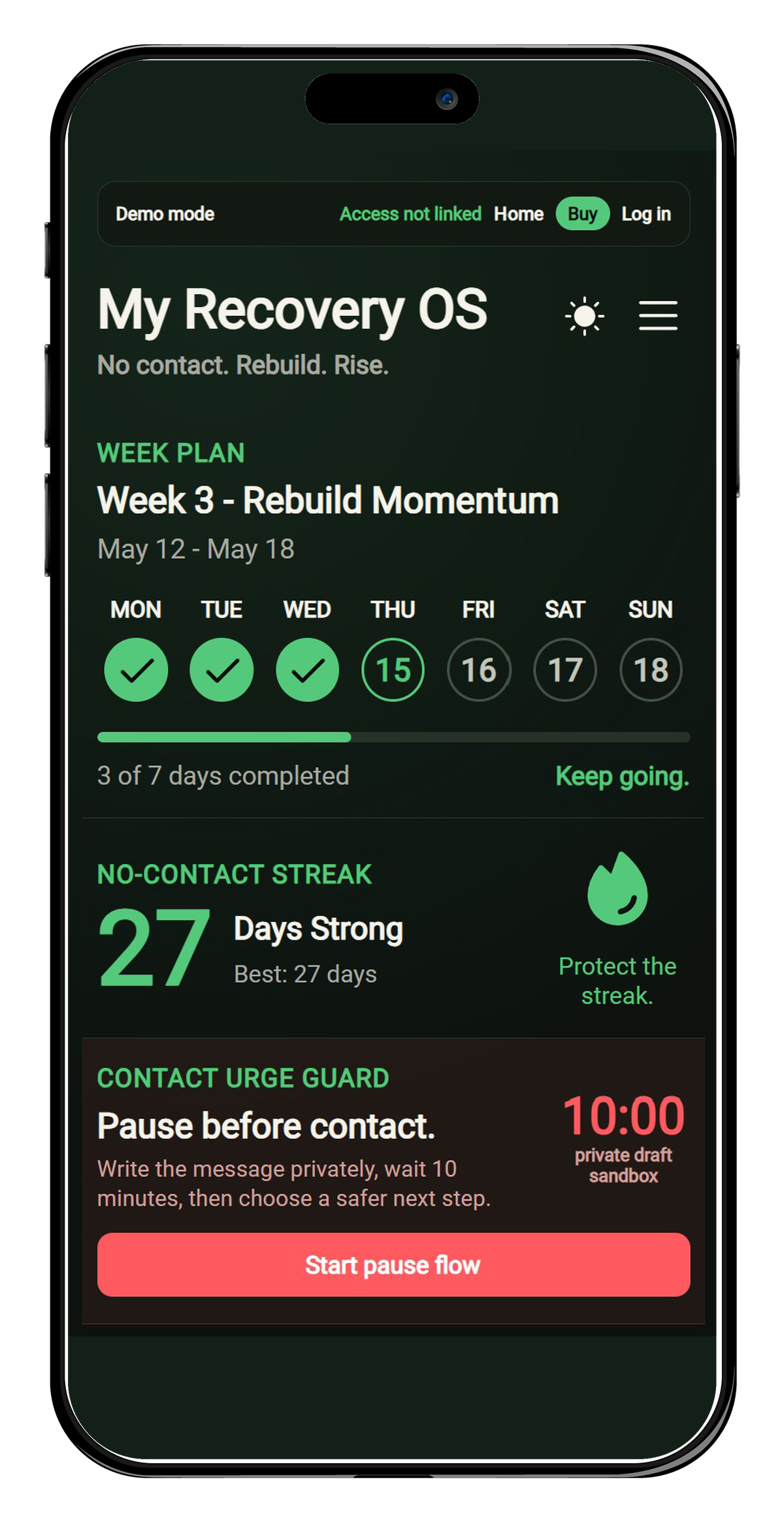
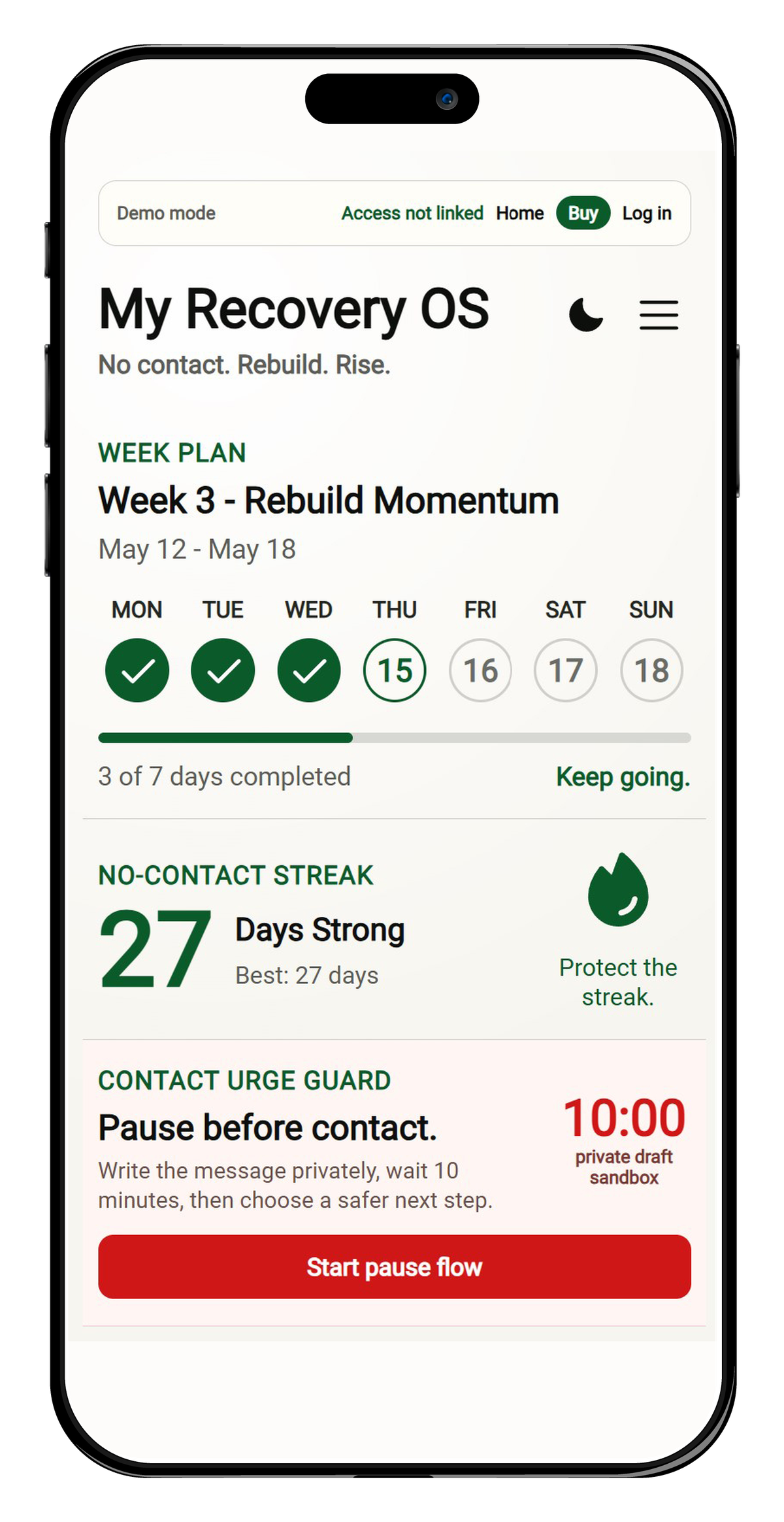
The dangerous moment is not the breakup. It is the late-night urge to send one message that resets the loop.
Urgent help
Short pages for the high-risk moments: drunk texting, day-3 urges, the morning after a slip, and the exact moment you want to text.
A 10-minute pause page for the moment you want to text your ex after a breakup.
Open helpA practical no-contact plan for the drunk, late-night moment when you want to text your ex.
Open helpA short day-3 no-contact plan for the moment the urge to text or check your ex spikes.
Open helpA calm reset page for the morning after breaking no contact by texting, calling, checking, or replying.
Open helpWhy Recovery OS
You want to text, check, explain, apologize, or reopen the loop.
Write it privately, wait 10 minutes, and choose a safer action.
Return to your plan with proof that the urge can pass without contact.
How it works
Write the message in a private sandbox, wait 10 minutes, and choose a safer next step.
Track no-contact days and turn recovery into small daily actions, not willpower.
Spot when contact urges rise, then schedule friction before the risky hour starts.
Save a weekly report for your own review or to share with a trusted support person.
Demo vs full app
The demo lets you feel the pause flow without creating pressure. Full access adds the private account layer that stores history, reports, reminders, and plan changes.
Positioning
Recovery OS is built for action in high-risk moments: pause, write, wait, ground, and return to the plan.
Better angle
Other apps often lead with broad heartbreak content, AI chat, and long healing journeys. Recovery OS leads with the high-risk moment: the contact urge before a message is sent.
Simple pricing
Unlock the private account layer: recovery history, unlimited journal, personalized plan, weekly reports, pattern insights, browser reminders, and account sync.
Cancel anytime. Best if you want flexible access.
Use the same email for payment and account creation. This lets Recovery OS activate your subscription automatically.
Try demo firstQuestions
No. Recovery OS is a self-guided support tool for no-contact moments, daily planning, and private reflection.
The core feature is the contact pause flow: write the message privately, wait, ground, and protect the streak.
Create an account or log in with the same email you used at checkout. Access usually appears within a few seconds.
No. Your notes stay private by default. Exports happen only when you choose to download them.
Need help deciding?
Use contact for billing, access, or product questions. We will reply shortly.
Recovery OS is a self-guided support tool, not medical care or crisis counseling. If you are in immediate danger, contact local emergency services or a crisis line.